Core Concepts
The Map Converter processes a GLTF file that describes the level geometry, structure, and parameters.
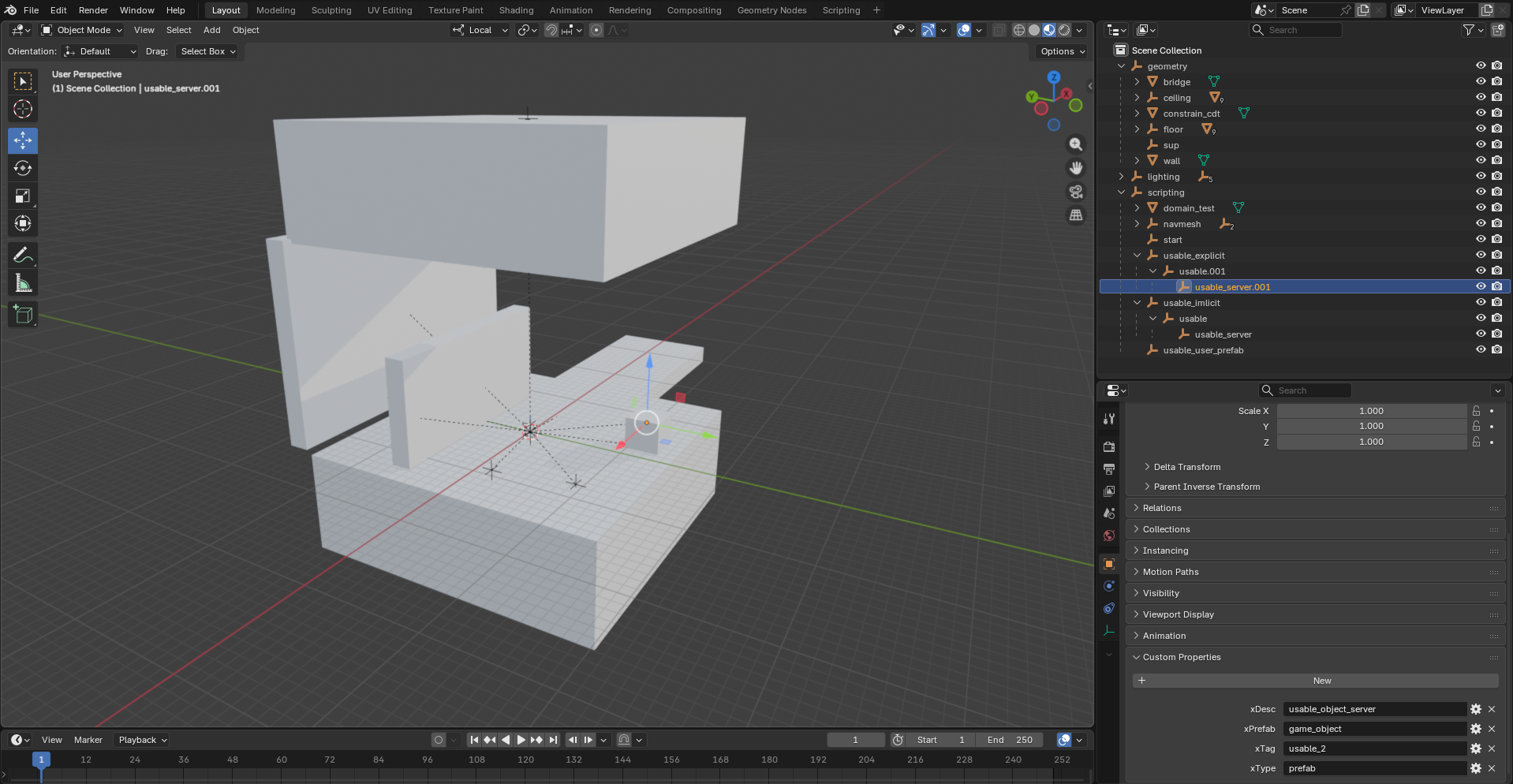
- Open the
test_scene_mod.blendfile in Blender. The node structure corresponds to the hierarchy of the level. First-layer nodes (scripting, lighting, geometry) are always Scene Blocks — separate components of the level stored in individual files. Inside these blocks, new nodes can be created to define prefabs or level geometry. Most configuration is handled via custom properties, which are described below. - Apply some minor changes and export the GLTF file.
The GLTF file must be located at: mods_source/xscenes/<map_name>/source/<map_name>.gltf.
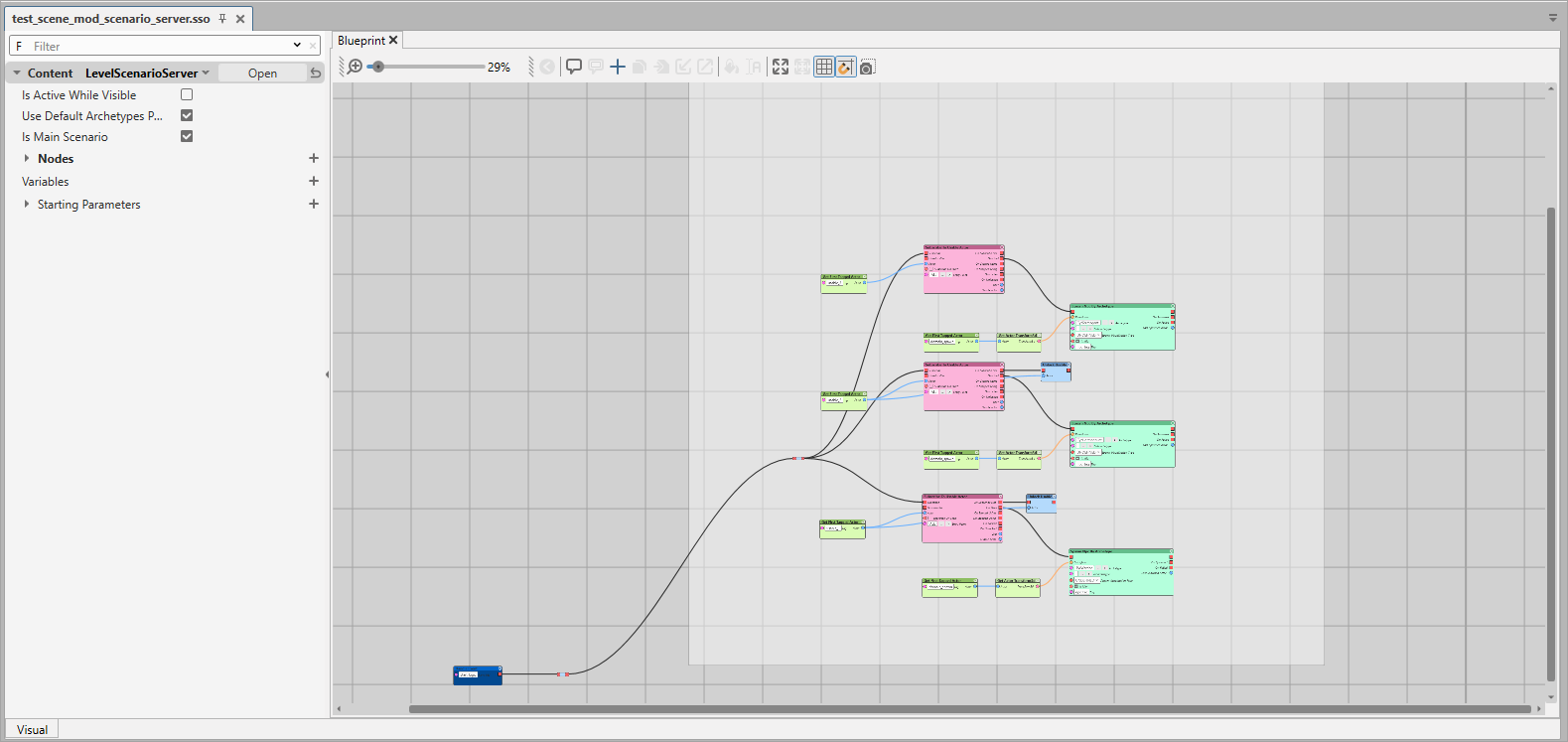
Additionally, if <map_name>_scenario_server.sso or <map_name>_scenario_client.sso files are present in mods_source/xscenes/<map_name>/, these scenarios will be embedded into the level’s SCN file.
You can edit the level scenario in the Mod Editor. To apply changes, a full reconversion is required.
Warhammer 40,000: Space Marine 2 © Games Workshop Limited 2024. Space Marine, the Space Marine logo, GW, Games Workshop, 40K, Warhammer, Warhammer 40,000, 40,000, the 'Aquila' Double-headed Eagle logo, and all associated logos, illustrations, images, names, creatures, races, vehicles, locations, weapons, characters, and the distinctive likeness thereof, are either ® or TM, and/or © Games Workshop Limited, variably registered around the world, and used under licence. Focus Entertainment and its logos are trademarks, registered or not, of Focus Entertainment. Saber Interactive and its logos are trademarks, registered or not, of Saber Interactive. Powered by Wwise © 2006 – 2024 Audiokinetic Inc. Havok software is © 2024 Microsoft. Uses Bink Video. Copyright © 1997-2024 by Epic Games Tools LLC. All rights reserved to their respective owners.